

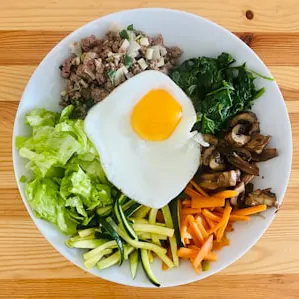

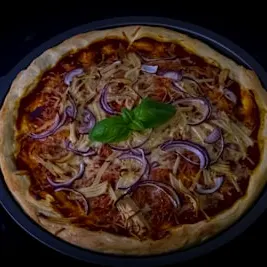
500+ recipes, 9 cuisines
Italian, Indian, Japanese, Korean, Chinese, Thai, Mexican, American and a fusion collection. Every recipe is ready to plan, scale and cook.
For iPhone, iPad and Apple Watch
Smart Recipes keeps the whole kitchen routine in one private app. Start with 500+ recipes from 9 cuisines, add your own in seconds, and get dinner from idea to table without juggling five apps.
Free download with a 1-week free trial for eligible new subscribers.
How it works
Every step hands off to the next. What you save fills your plan, your plan writes your list, and your list gets you to the stove.
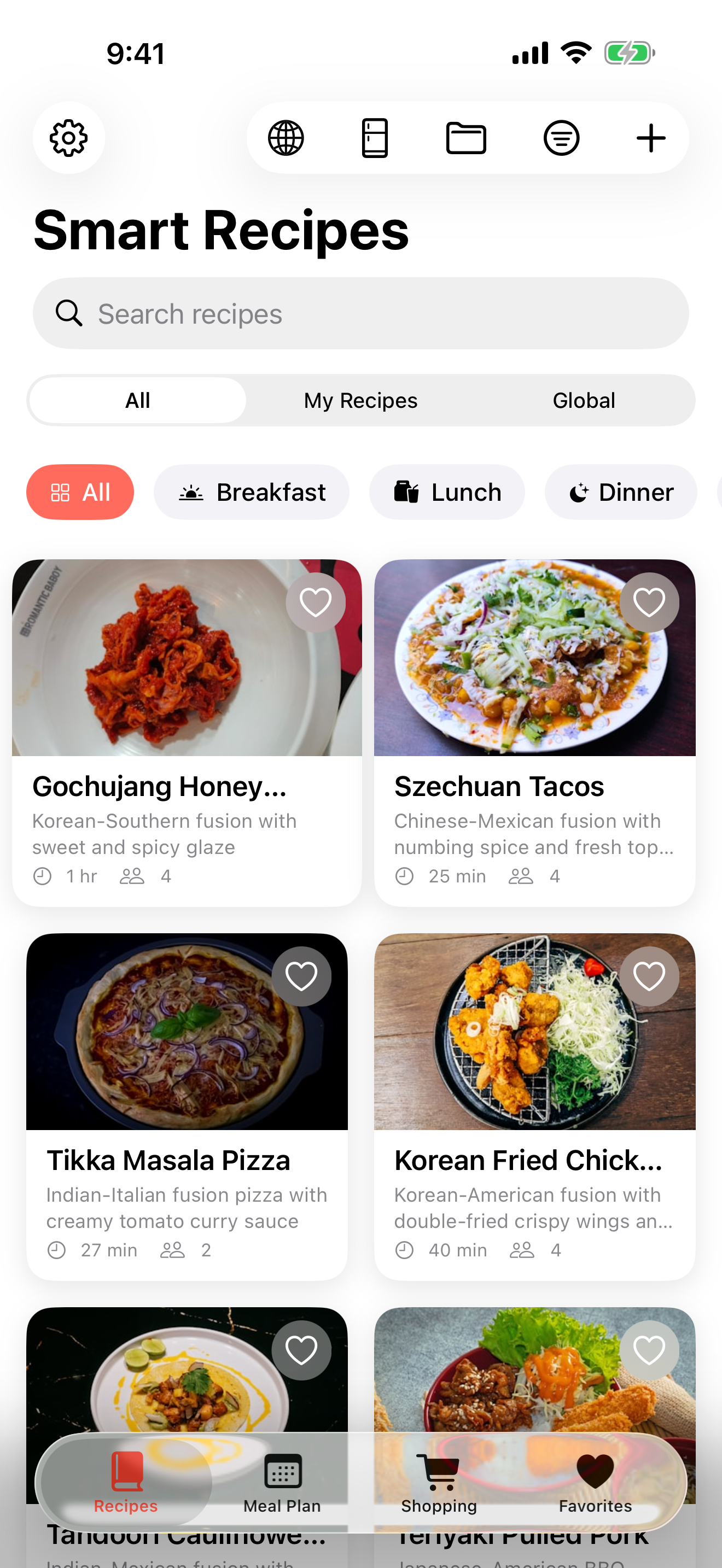
Start with 500+ tested recipes, then bring in your own. Share a recipe page from Safari, scan a cookbook page with on-device text recognition, or type a family classic.
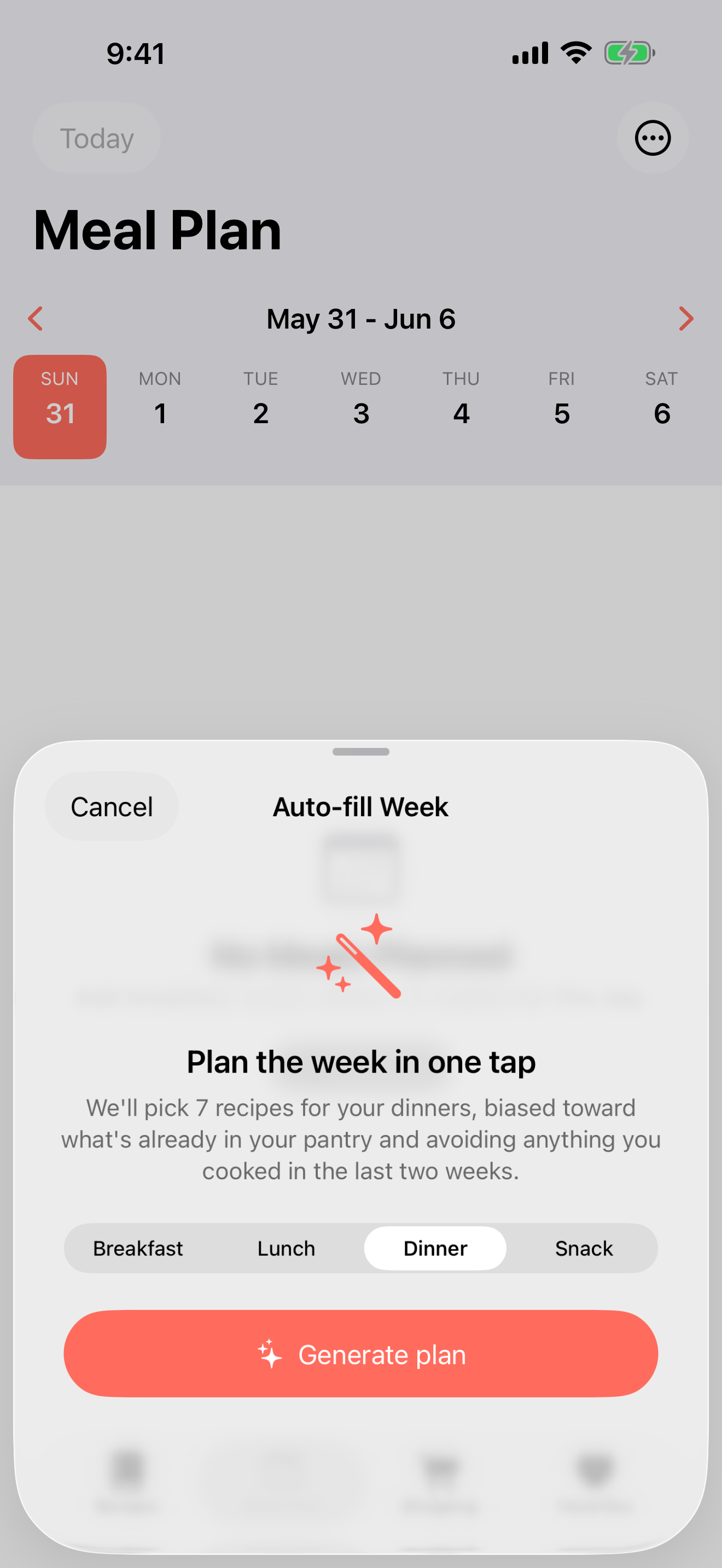
Fill the week in one tap. Auto-fill picks dinners that use what is already in your pantry and skips anything you cooked in the last two weeks.
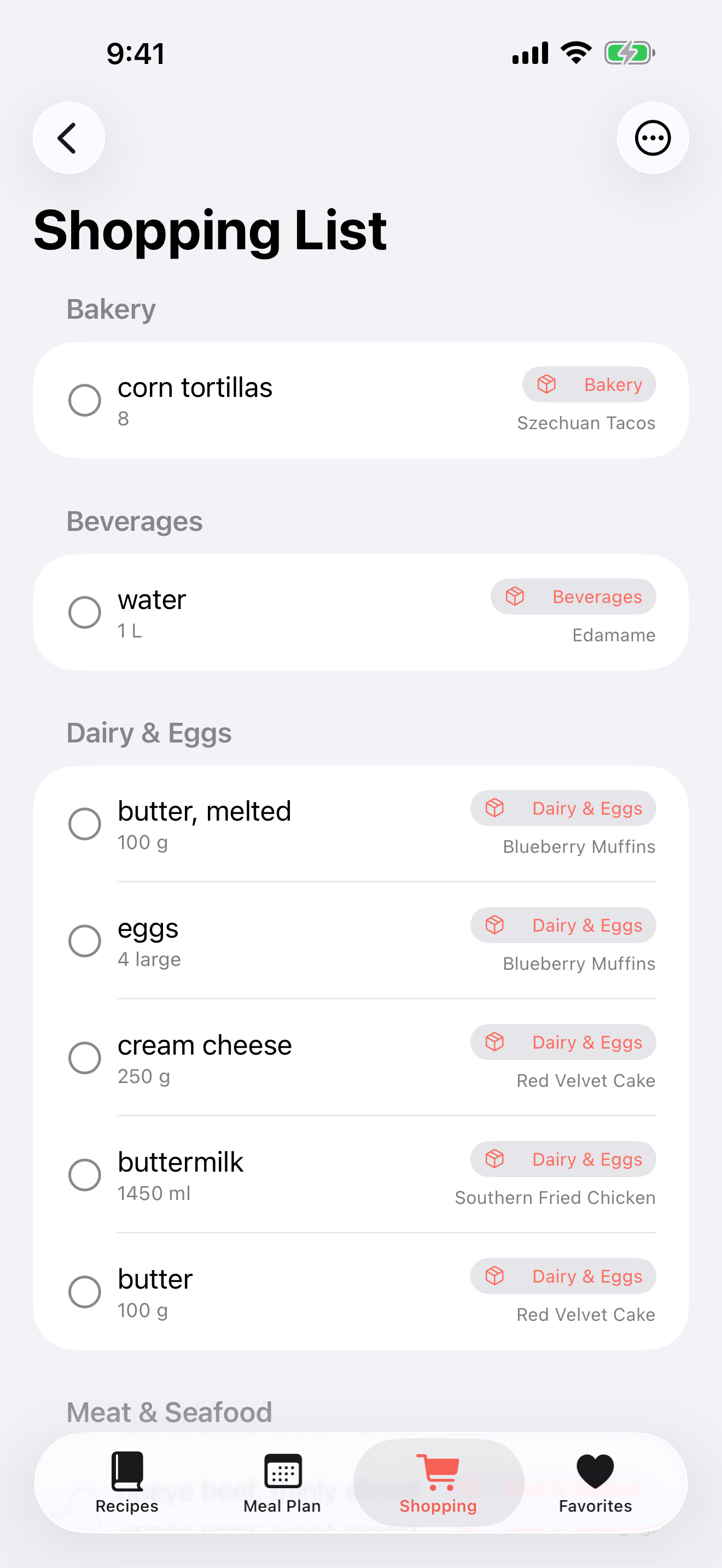
Your plan becomes one list, grouped by aisle, with duplicate ingredients combined. Each item remembers which recipe needs it.
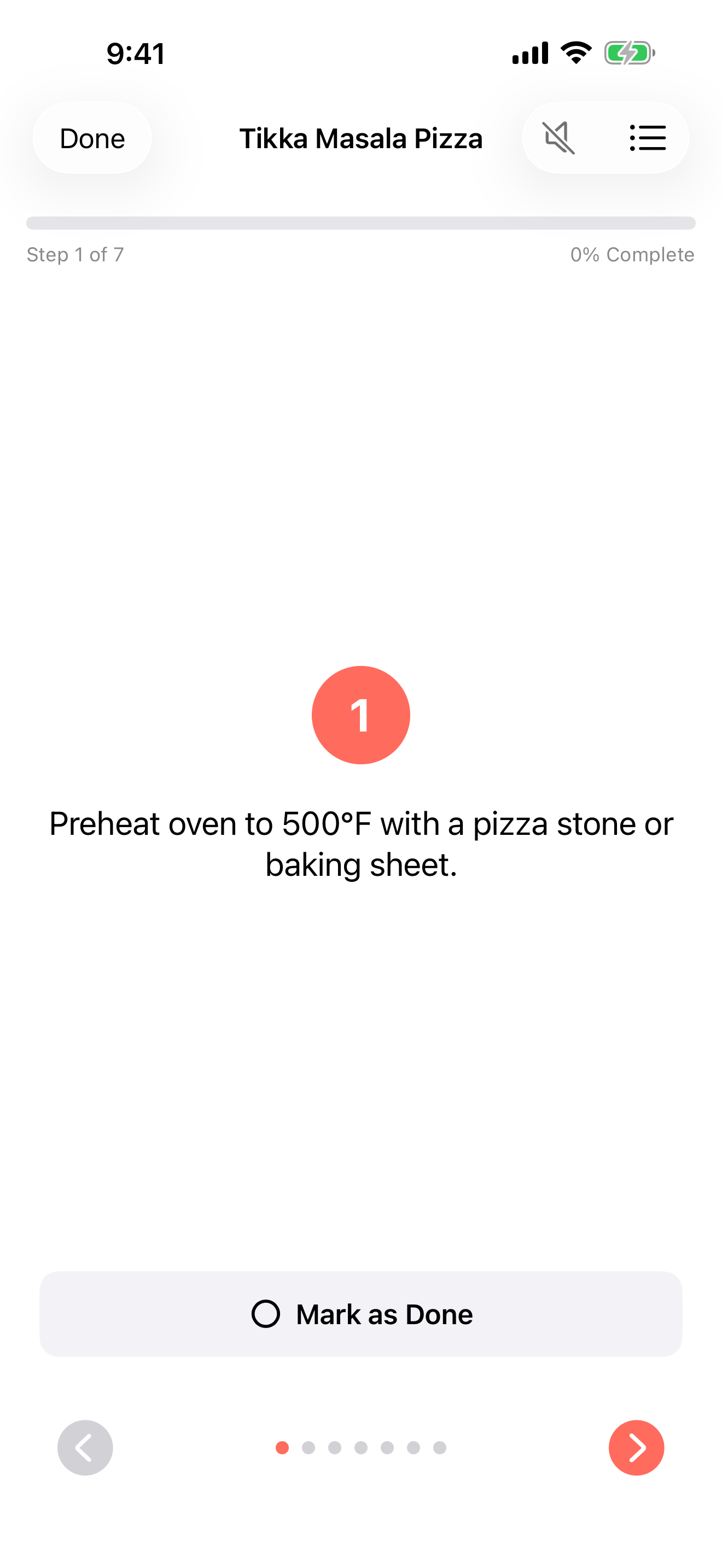
Big, clear steps that keep up with you at the stove. Timers run on your Lock Screen and Dynamic Island, and voice guidance reads each step aloud.
The film
Features
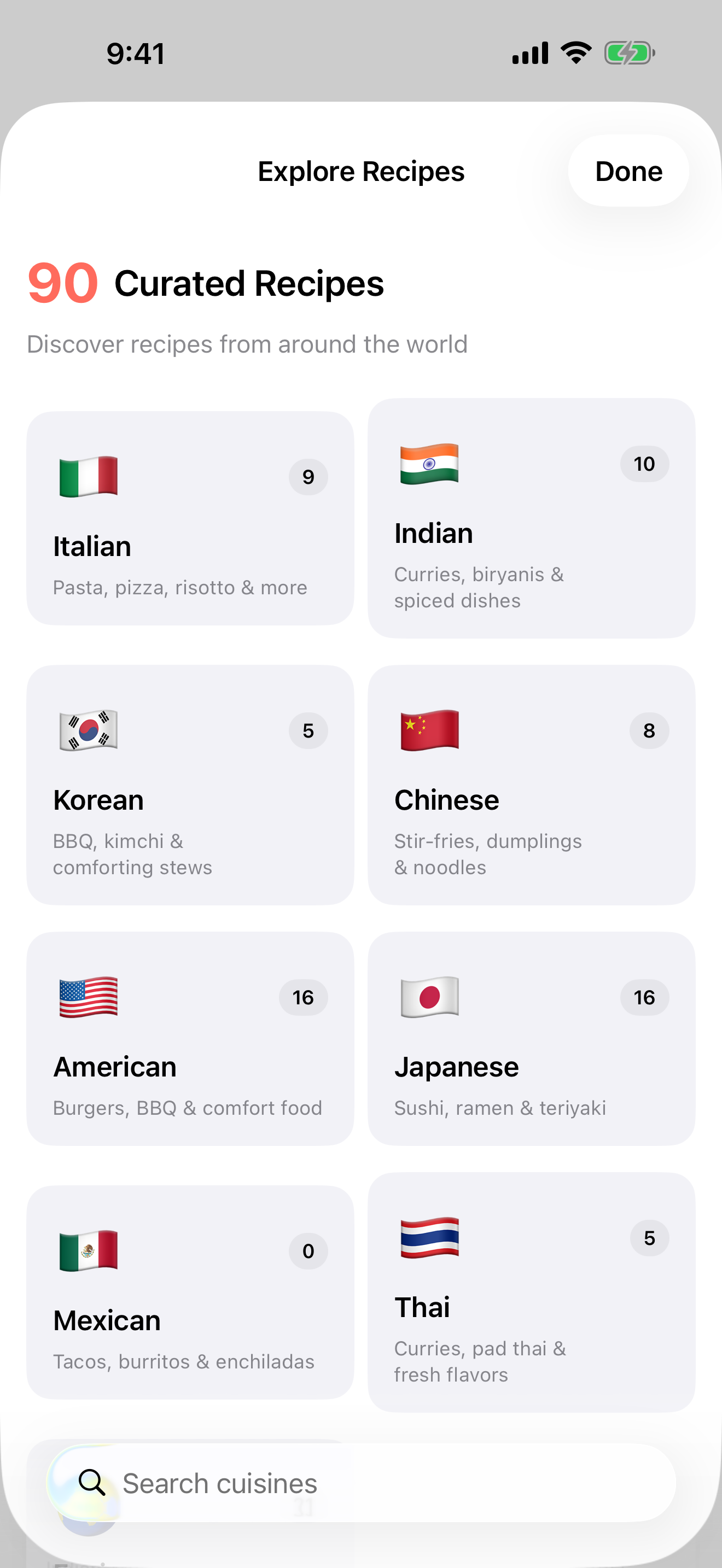
Italian, Indian, Japanese, Korean, Chinese, Thai, Mexican, American and a fusion collection. Every recipe is ready to plan, scale and cook.
Browse the built-in library one cuisine at a time and save what catches your eye.
Tell your pantry what you have. Smart Recipes shows each recipe's match and warns before things expire.
Generate a recipe from the ingredients you have, spin a variation, or find a substitution. Nothing leaves your device.
Cooking timers run as Live Activities in the Dynamic Island, so the countdown stays in view while the phone sleeps.
Each step is read aloud in the voice you choose, so floury hands never touch the screen.
Keep recent and favourite recipes on your Home Screen, or ask Siri for today's meals or a random recipe.
Your library, plans and lists follow you between iPhone, iPad and Apple Watch through your own iCloud.
iPad and Apple Watch
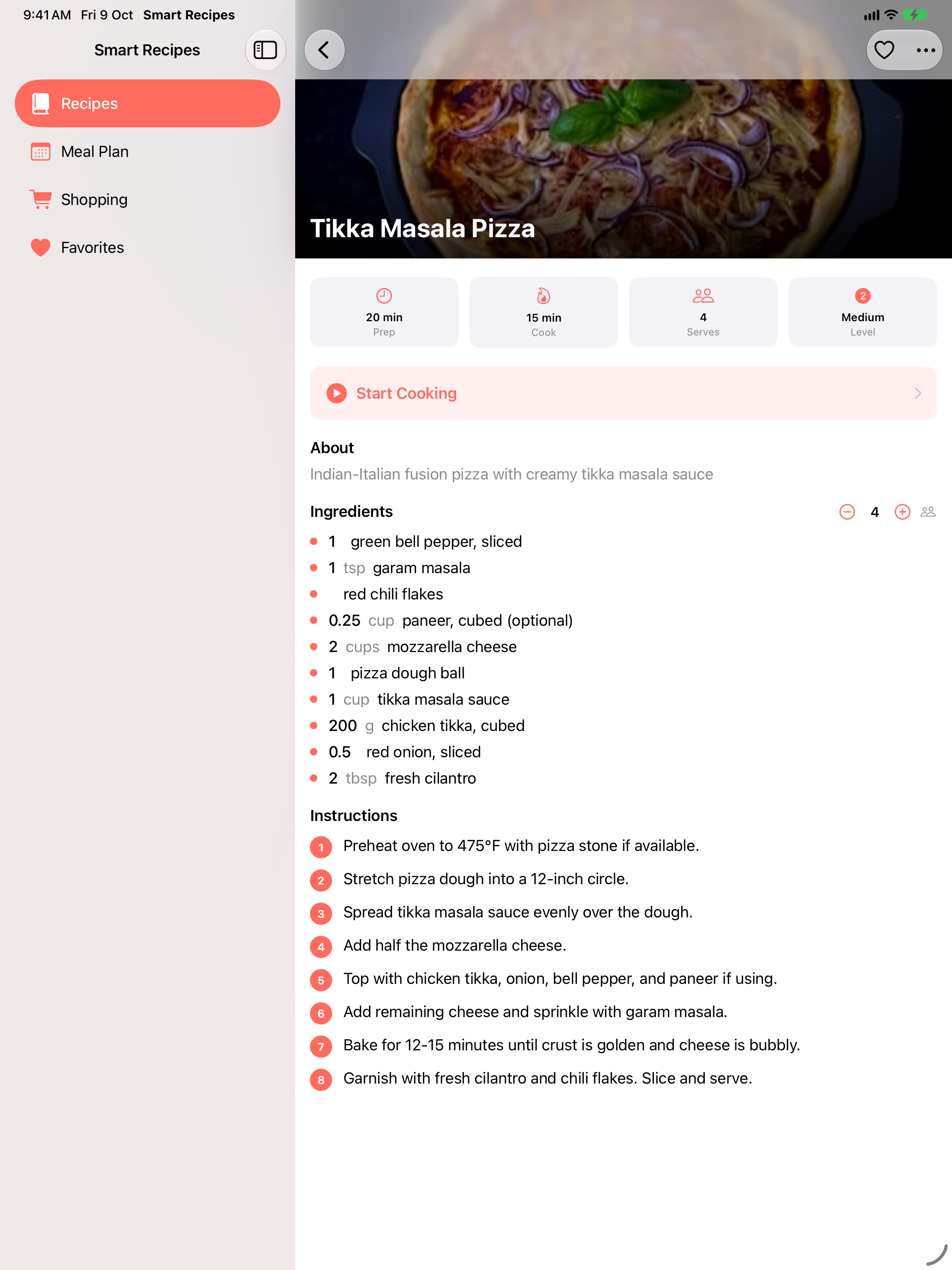
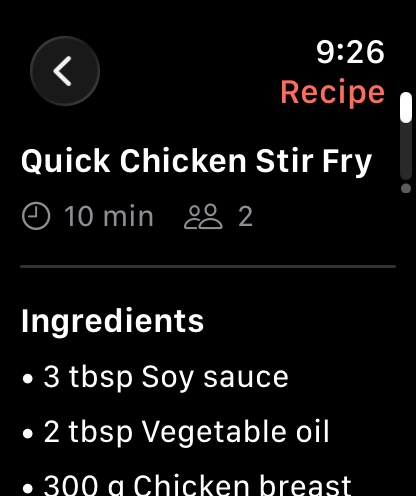
On iPad, the sidebar keeps every section a tap away and recipes stay big enough to read from across the kitchen. On Apple Watch, ingredients and steps sit on your wrist.
Private by design
No DuttLabs server, no ads, no third-party analytics and no tracking. Your library lives on your device and in your personal iCloud.
Pricing
Every plan includes every feature. Monthly and yearly plans start with a 1-week free trial for eligible new subscribers.
$0.99/month
Flexible. Cancel any time in Settings.
Best value
$9.99/year
About $0.83 a month, billed yearly.
$14.99once
Pay once. Family Sharing included where Apple supports it.
Prices in US dollars. Apple shows your local price, trial eligibility and renewal terms before you confirm. Subscriptions renew automatically until cancelled.
Questions
No. Smart Recipes uses your Apple ID and your own iCloud account. There is no separate sign-up.
iPhone and iPad with iOS 18 or iPadOS 18 or later, and Apple Watch with watchOS 10 or later. Your library syncs between them through iCloud.
No. Recipe generation, variations and substitutions use Apple Intelligence on supported devices, and cookbook scanning uses on-device text recognition. Everything else works without AI.
Yes. Share a recipe page to Smart Recipes from Safari, or scan a photo of a cookbook page. You review each import before it is saved.
Subscriptions are managed by Apple. Open Settings, tap your name, then Subscriptions. Refunds are requested through reportaproblem.apple.com.

Download Smart Recipes and try every feature free for a week.
Download on theApp Store